
Installing Applications
Target Audience: Administrators Difficulty: Beginner Prerequisites: At least one Company created
Overview
Applications are the tools MultiFlexi executes — importers, exporters, reporters, integrations. They must first be installed on the server as Debian packages, then registered in MultiFlexi, and finally assigned to a company.
Step 1: Install the Application Package
All available applications are in the repo.multiflexi.eu APT repository.
# Search for available applications
apt search multiflexi

# Install a specific application
sudo apt install multiflexi-probe

# Install all standard applications
sudo apt install multiflexi-all
After installation the application’s .app.json file is placed in the MultiFlexi applications directory and automatically imported into the database.
Step 2: Verify the Application is Registered
multiflexi-cli application:list
The application should appear in the list. If it does not, import it manually:
multiflexi-cli application:import-json \
  --file /usr/share/multiflexi/apps/probe.app.json
Step 3: Assign the Application to a Company
Via the web interface:
Open the company detail page (Companies → select company)
Click “📦 Applications” tab
Find the application in the “Available” list
Click “✓ Assign” or “Install”
The application now appears in the company’s installed applications list and you can create RunTemplates for it.
Via CLI:
multiflexi-cli company-app:assign \
  --company=ACME \
  --app=multiflexi-probe
Configuring Application Parameters
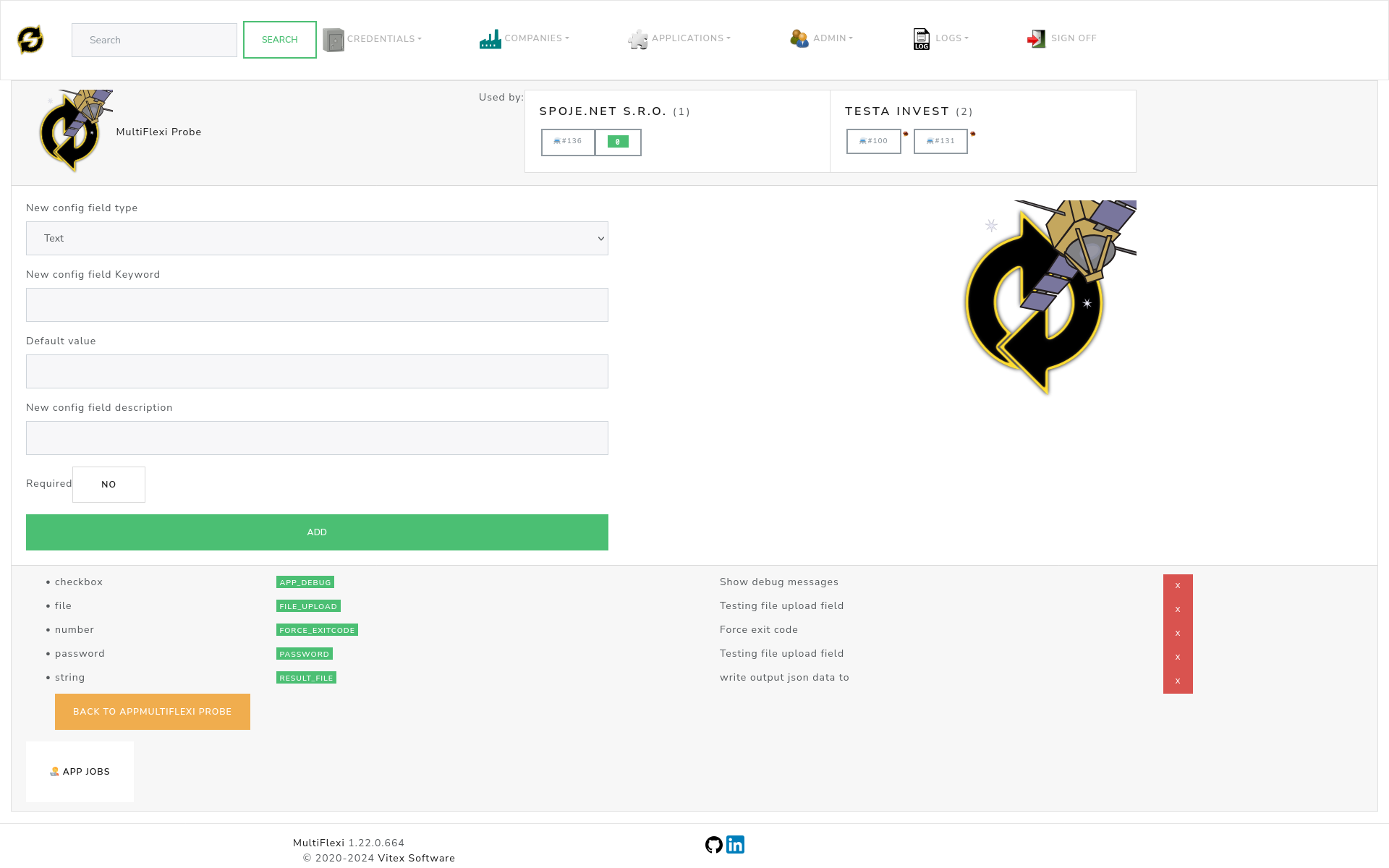
Many applications have configuration fields (API URLs, file paths, behavior flags). These are set per-company on the assignment:
After assigning, click the application name in the company view
Fill in the configuration fields shown
Save
Importing Custom Application JSON
Applications do not have to come from a Debian package. Any valid .app.json file can be imported:
# Validate first
multiflexi-cli application validate-json --file myapp.app.json

# Import
multiflexi-cli application:import-json --file myapp.app.json
The JSON must conform to the application schema. See Applications for full details.
Updating an Application
# Update package
sudo apt install multiflexi-probe  # re-installs latest version

# Re-import updated JSON
multiflexi-cli application:import-json \
  --file /usr/share/multiflexi/apps/probe.app.json \
  --update
Removing an Application from a Company
Removing an application from a company does not delete existing job history.
multiflexi-cli company-app:unassign \
  --company=ACME \
  --app=multiflexi-probe
See Also
Creating RunTemplates — Scheduling the installed application
Applications — Application JSON format
Applications Overview — Overview of available applications